How to Save and Load Your Game in GTA 6
← Leonida Hub By Alex · Last updated:

| Status | Confirmed |
|---|---|
| Manual save | Pause → Game → Save Game |
| Manual slots | 15 |
| Load a save | Pause → Game → Load Game |
Pause GTA 6, open Game → Save Game, then pick an Empty Slot. Press X on PS5 or A on Xbox to confirm. There are 15 manual slots. When you want to return to one, open Game → Load Game in the same pause menu. PS5 Save Game screenshot from ViceManual
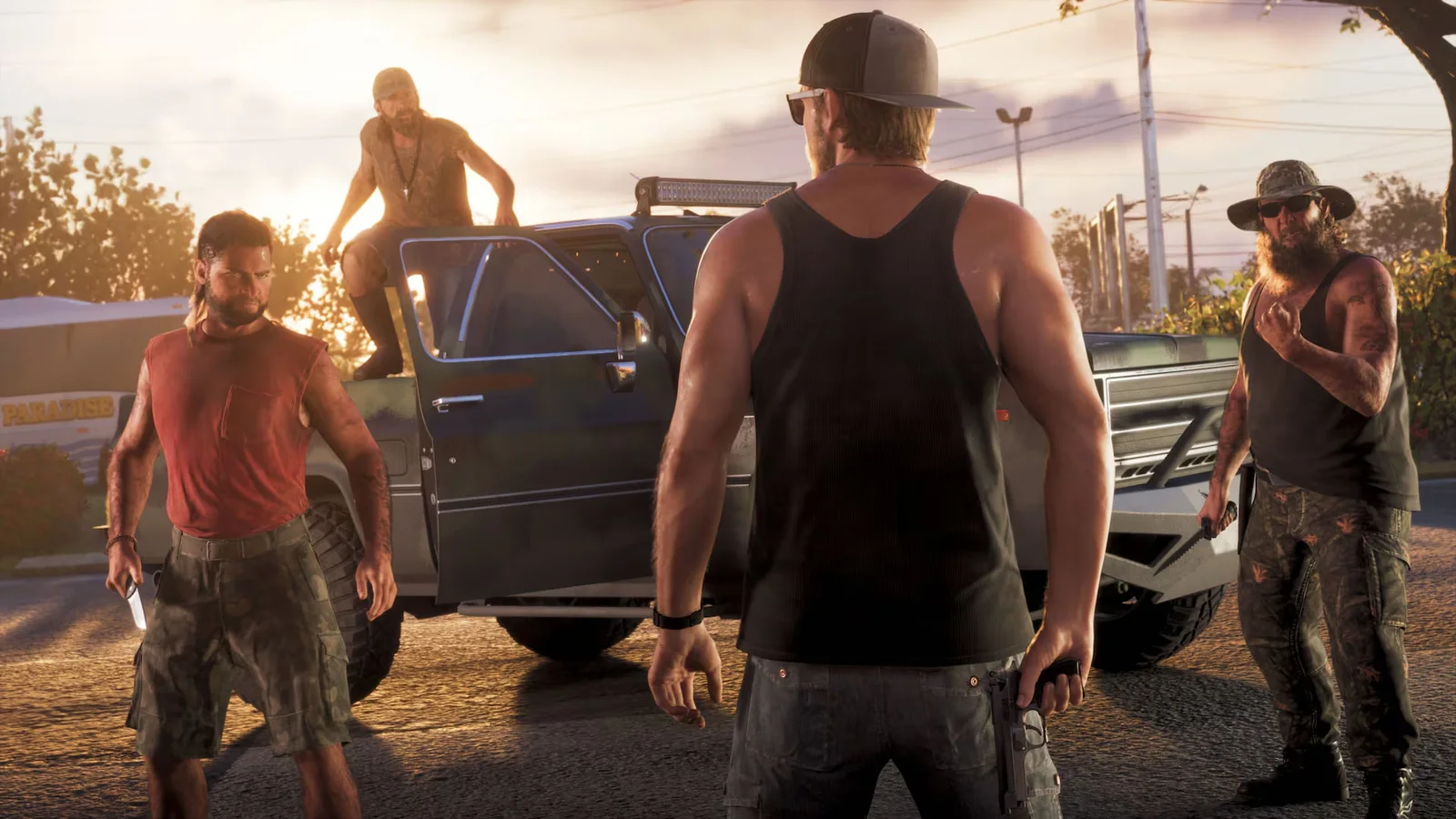
How to make a backup before a mission
- In free roam, find your next story mission on the map. The pink book lists available jobs.
- Before entering the mission marker, pause and save to an empty slot. If Save Game is unavailable, wait until you are back in free roam and try again.
- Play the mission, then save your current progress to a different slot when you can save again. Keep your pre-mission slot for another attempt.
- To return to the start, choose the older slot in Load Game. Check its mission name, progress percentage and timestamp before you confirm. Loading restores the game to that point, so save your current progress in a different slot first.
If you want to return to the first mission in Chapter 1 without an earlier save, keep a separate manual slot for your current run, then start a new game and play through the prologue. The missions hub explains why the Story Recap cannot restart a mission. PowerPyx mission replay guide
Which save is the autosave?
Look for the separate (Autosave) entry in Load Game. Use it when you want to resume from the game’s latest automatic save. Use a manual slot when you need to return to a particular point, such as the moment before a mission starts.
Make a manual save before activating a cheat. Activating cheats disables saving for that session. Quit and reload a save to resume playing with saving enabled. PC Gamer save guide
Menu steps were checked against Rare Thief’s guide and ViceManual’s PS5 launch capture.
By Alex · Last updated:


