 By
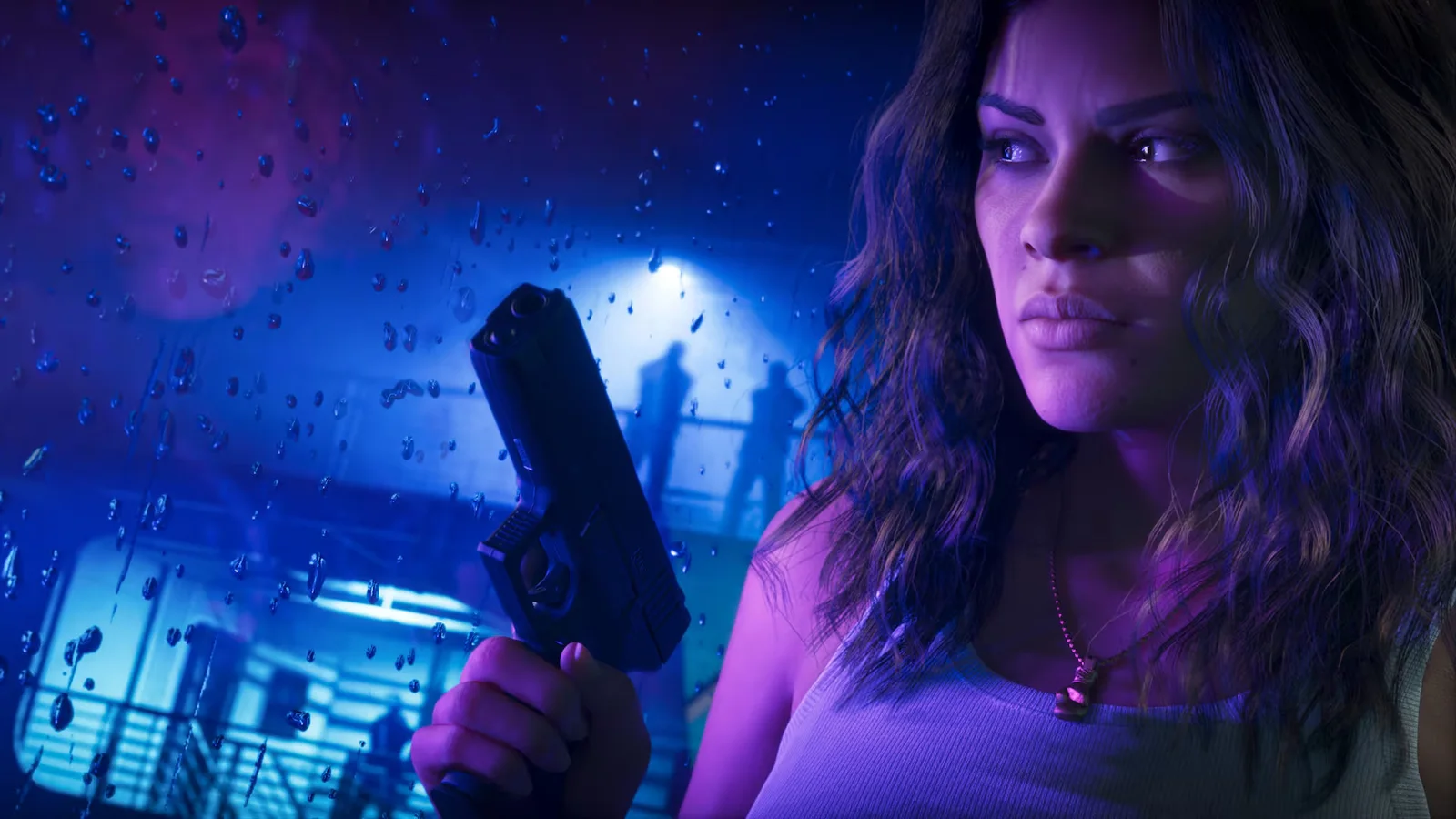
On November 18, GameGPU’s Maxim Boldson reported 262–280 FPS, with a peak of 286, while processing a 4K feed from GTA 6 in a scene with Lucia. A PS5 Pro ran the game. A separate PC with an RTX 5090 processed the console image after HDMI capture. Rockstar’s target for the console game remains 30 FPS. The frame generation guide separates the external feed rate from the game’s frame rate.
How GameGPU routed the video
| Stage | What GameGPU used |
|---|---|
| Game | PS5 Pro renders GTA 6. Rockstar targets 30 FPS. |
| Capture | AVerMedia Live Gamer ULTRA 2.1 (GC553G2) feeds the image into OBS Studio. |
| PC processing | NeuralScreen 2.6.4 on RTX 5090. DLSS 5 with the Natural profile changes the image. DLSS 4.5 MFG 6X adds intermediate frames. |
| Recording | NVIDIA App records the processed PC view. |
GameGPU’s second run, with Jason, reported 189–270 FPS and a peak of 278. Both reports describe individual scenes and the same basic setup. The differences between the two runs give a sense of why 280 is a reading from a particular run and should not be treated as a fixed output rate.
What DLSS 5 and 6X do
NVIDIA describes DLSS 5 as neural rendering that uses scene information from a game engine to change lighting and materials. In this experiment NeuralScreen worked on the already captured video. The application’s documentation says its desktop frame generator estimates motion without the game engine’s data. It also distinguishes the display output resolution from the resolution at which the neural model processes the image. A 4K signal therefore tells you the size of the feed and leaves the processing resolution open.
The 6X Multi Frame Generation mode belongs to DLSS 4.5. Its multiplier applies to the frames the generator receives. Feed it exactly 30 distinct frames each second and six output frames per input frame would total 180. A capture window can update more often than the game renders a new image, including when an image is repeated. The published readings give no breakdown of the unique console frames, repeats and generated frames in the preview.
What the 280 FPS reading leaves open
NeuralScreen’s documentation distinguishes the neural model’s output rate from the rate at which its presenter sends frames. GameGPU’s write-up does not identify the counter, specify the display’s refresh rate or provide a frame-time trace. The report leaves open how many distinct frames reached the live preview and how many made it into the recording. To establish what reached the screen, a follow-up would need a display measurement and a frame-by-frame recording that identifies repeats.
More intermediate frames can make a camera pan look smoother. The console still processes input on its own schedule, and capture, processing and display all add steps before the picture reaches the player. An input-to-display measurement would establish the actual delay. For the engine-side figures, see our PS5 and Xbox graphics guide. Our frame generation guide explains how to compare display smoothness with response.
FAQ
Was GTA 6 running at 280 FPS on PS5 Pro?
The PS5 Pro ran the game with Rockstar’s 30 FPS target. GameGPU’s 280 FPS figure came from the external processing setup.
Which DLSS version generated the extra frames?
GameGPU used DLSS 4.5 Multi Frame Generation at 6X. DLSS 5 was used to change the appearance of the captured picture.
Does 280 FPS tell us how quickly GTA 6 responds to the controller?
That figure describes a reported PC-side frame rate. Controller response takes a separate measurement from input to display.