How to Get 60 FPS in GTA 6 on PS5 and Xbox with Frame Generation
← Leonida Hub By Alex · Last updated:
| Status | Supposed |
|---|---|
| Console target | 30 FPS on PS5, PS5 Pro and Xbox Series X|SConfirmed |
| The trick | PC frame generation on a captured console signal: 30 → 60 or 120 on screenConfirmed |
| You need | HDMI capture card, Windows PC with a mid-range GPU, OBS, Lossless ScalingConfirmed |
| The cost | Extra input lag and artifacts; the game itself still runs at 30Confirmed |
GTA 6 targets 30 FPS on every console, the PS5 Pro included. Rockstar chose a dense world over frames, and there’s no performance mode to switch on. But there is a workaround that people already use with other 30 FPS console games: pass the console picture through a PC and let the PC draw the in-between frames. On screen you get 60, or even 120. You don’t open the console, and you don’t install anything on it. As far as the console knows, it’s just plugged into a screen.
For a launch-week example, GameGPU’s external frame-generation test routed a PS5 Pro through a capture card and processed the image on a separate PC. The reported FPS was measured on the processed feed.
What you need
| Item | What to look for |
|---|---|
| Capture card | HDMI in and passthrough out, real 1080p at 60 FPS capture or better; internal PCIe or USB 3 |
| PC | Windows 10 or 11, a GPU around RTX 3060 / RX 6600 for 2× to 4×; weaker cards can manage 2× |
| OBS Studio | Free, shows the capture card in a window |
| Lossless Scaling | Paid app on Steam, does the frame generation (LSFG) |
| Screen | 60 Hz is enough for 60 FPS; for 120 you need a 120 Hz monitor or TV |
One warning about cheap capture cards. Some advertise “60 FPS” but actually grab 30 and copy every frame twice. Frame generation has nothing to work with then. Check the spec sheet for real 1080p60 capture before you buy.
Step by step
- Turn off HDCP on the console first. On PS5 go to Settings → System → HDMI and switch off Enable HDCP. Do it while the PS5 is still plugged straight into the TV. With HDCP on, a capture card shows a black screen. Netflix and some other video apps won’t play while it’s off, so switch it back for movie night.
- Wire it up. Console HDMI into the capture card’s input, the card into the PC. If you play on the TV, run the card’s passthrough out to the TV as a backup picture.
- Open the console in OBS. Add the capture card as a video source, then right-click it and open a windowed projector. That window is now your game.
- Start Lossless Scaling. Pick LSFG as the frame generation mode and set the multiplier: 2× turns 30 into 60, 4× turns 30 into 120. Adaptive mode holds a target frame rate instead of a fixed multiplier. Press the scale hotkey with the OBS window active, and the window goes full screen with the generated frames.
- Play on the PC’s screen. Plug the PC into the TV if you want the couch. The DualSense stays connected to the console as usual.
If the picture stutters, lower the multiplier first. 2× is the most forgiving, and it’s the step from 30 to 60 that you feel most.
What you actually get
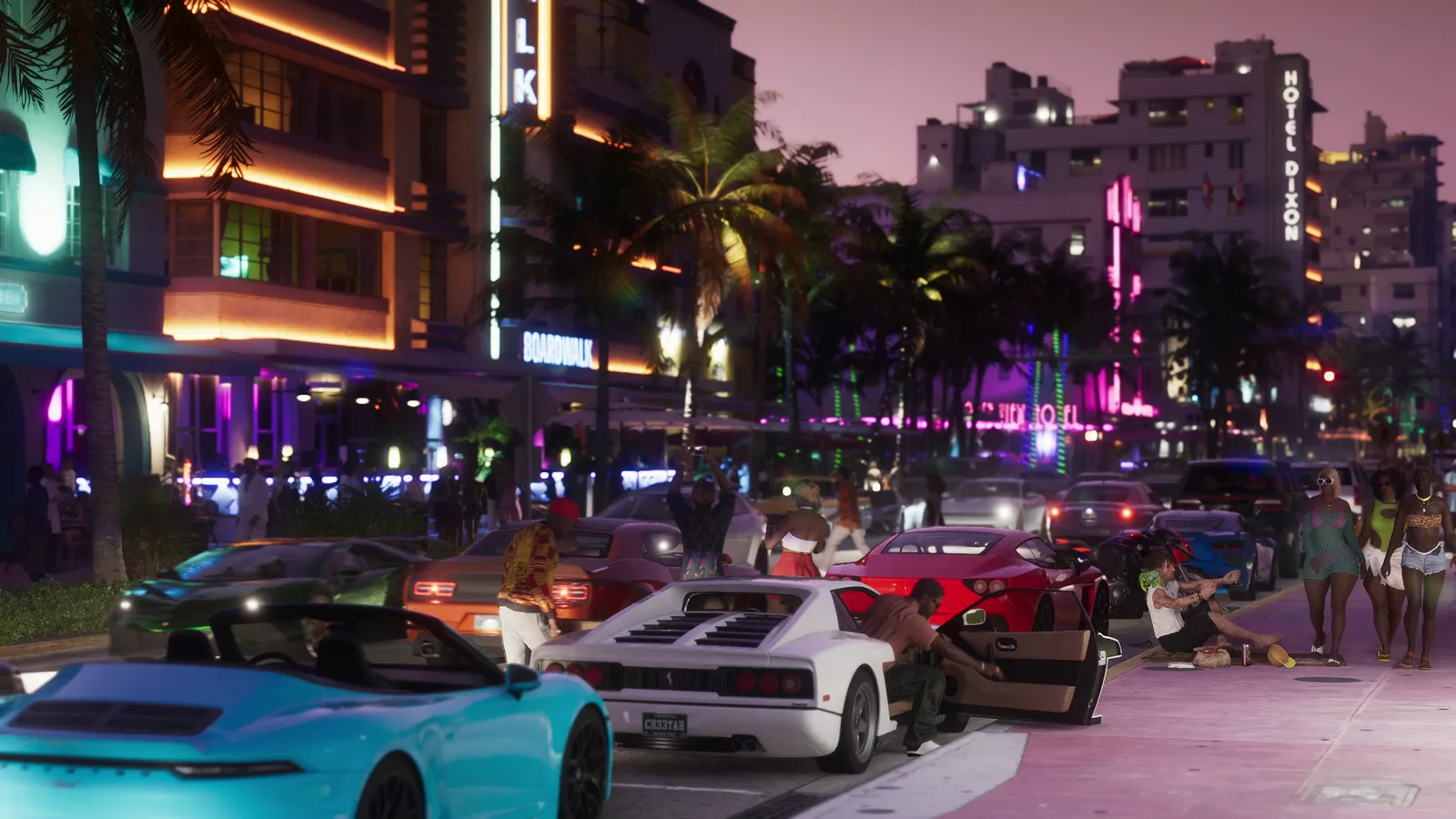
I spend my days making frames, so let me explain where the new ones come from. The program looks at two real frames, works out how each part of the picture moved between them, and paints a guess in the middle. On a slow camera pan over the Vice City skyline, the guess is almost perfect, and it looks like a 60 FPS game. Where the guess breaks is anything that appears out of nowhere: the edges of the HUD, text, the minimap, a hand moving fast across the screen, the spray from a speedboat. You’ll see a faint smear there. It’s the same kind of ghosting we spend weeks cleaning out of real-time effects.
The bigger cost is time. The game’s frame rate stays the same. The generated images add no new input responses from the console. On top of that, the capture card adds a bit of delay, and frame generation has to wait for the next real frame before it can draw the one in between. The result looks smoother but responds a little later than playing straight on the TV. Driving at sunset, walking around, story missions: worth it. Tight shootouts: try it and decide for yourself.
So it’s a picture upgrade, not a performance one. If you already own a decent PC and a capture card for streaming, it costs you an evening of setup. If you’d have to buy everything, think it through first. Buying a capture card and a GPU just to smooth out a game that was built to look right at 30 is a big spend for a picture trick.
FAQ
Can you play GTA 6 at 60 FPS on PS5?
Not natively. GTA 6 targets 30 FPS on PS5, PS5 Pro and Xbox Series X|S. You can get 60 on screen with PC frame generation, but the game still runs at 30 underneath.
Is frame generation through a PC safe for my console?
Yes. Nothing on the console changes except the HDCP setting. The PC only receives the HDMI picture, like a streamer’s setup.
Does Lossless Scaling add input lag?
Yes. Capture adds a little, and frame generation adds more because it waits for the next real frame. Expect it to feel slightly less responsive than playing directly on the TV.
Why does my capture card show a black screen with PS5?
HDCP is on. Go to Settings → System → HDMI on the PS5 and turn off Enable HDCP, with the console plugged straight into the TV.
Everything here comes from official Rockstar materials. Analysis is labeled. We don’t publish leaks.
By Alex · Last updated:
News