GTA 6 gameplay without story spoilers
← Leonida Hub By Alex · Last updated:
| Status | Confirmed |
|---|
See Leonida at your own pace
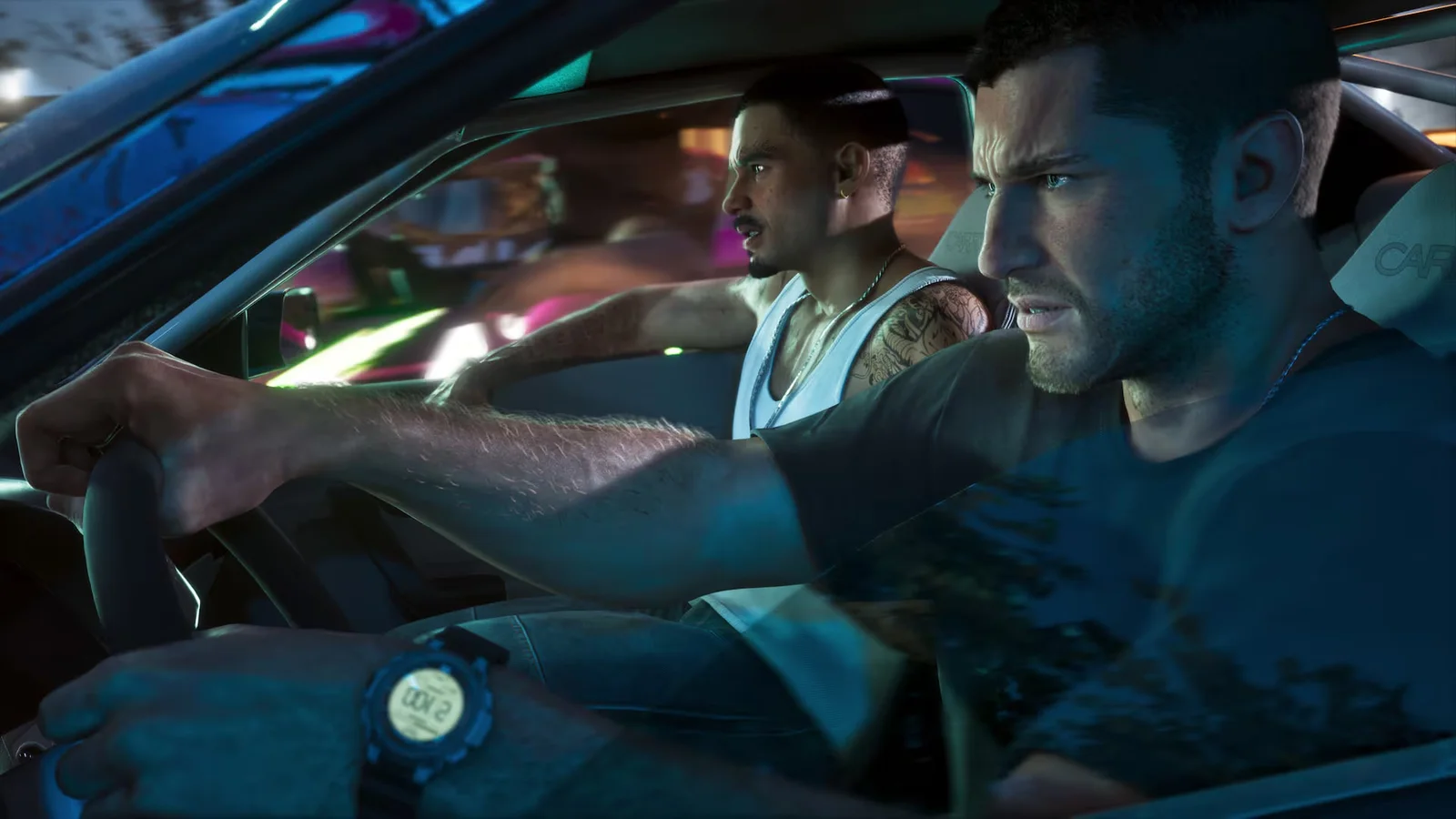
If you want to see how GTA 6 plays before you learn what happens in the story, start with a short recording of a drive or an everyday activity. Pick a clip whose title names the activity, such as night driving or pool, and open the video directly so you can keep the comments and recommendations out of sight.
Where to watch
Our own video
Rockstar footage
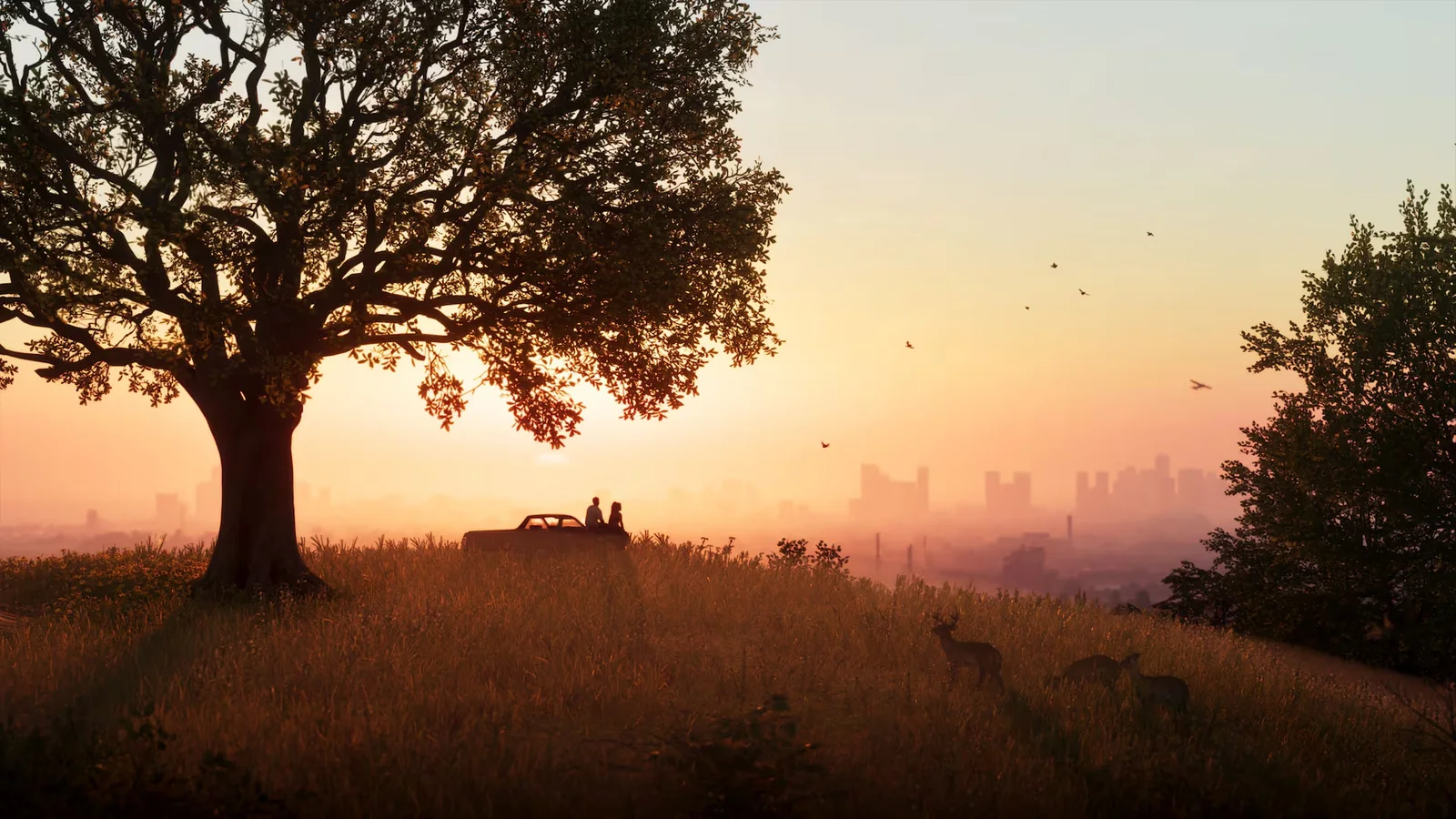
Browse the official launch screenshots for street scenes and views of Leonida. The full An Extended Look showcase includes missions and story scenes. If you want to see the city in motion, pick a short driving clip instead of watching the entire showcase.
Live streams
When you open the streams page, a broadcast may start playing on mute. A stream labeled free roam can switch to a mission, and chat can reveal story details. If you’re switching channels, check the new title before selecting it and leave chat closed.
A short outing in free roam
Once the game gives you room to explore, make one neighborhood the whole plan. Drive a few blocks, park, then walk to the waterfront or into a business you can enter. Keep your waypoint on a street or a landmark. A pink map icon with dark lettering leads to a main mission. For a quiet drive, choose an unmarked intersection instead. Finish the outing with a round of pool if you find an available table.
Digital Spy’s hands-on review describes games of pool in bars. The activities guide covers pool and other ways to spend time in Leonida. The full review also discusses the story, so use the activities guide if you want to read on without seeing those details.
First hours without mission names · GTA 6 activities guide · Digital Spy’s review
Game details here come from Rockstar’s public footage and published hands-on coverage. We do not publish leaks.
By Alex · Last updated:
News