 By
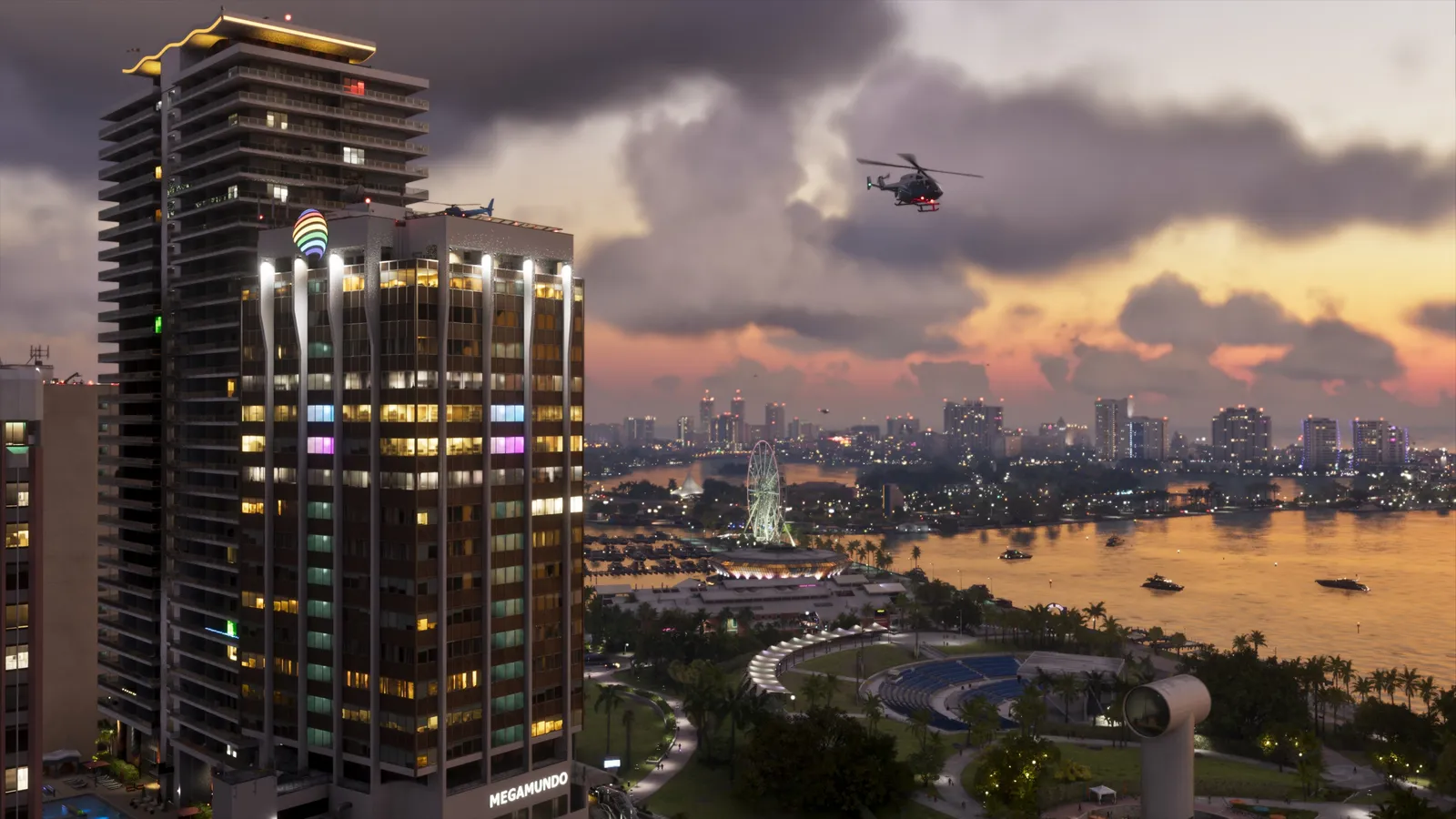
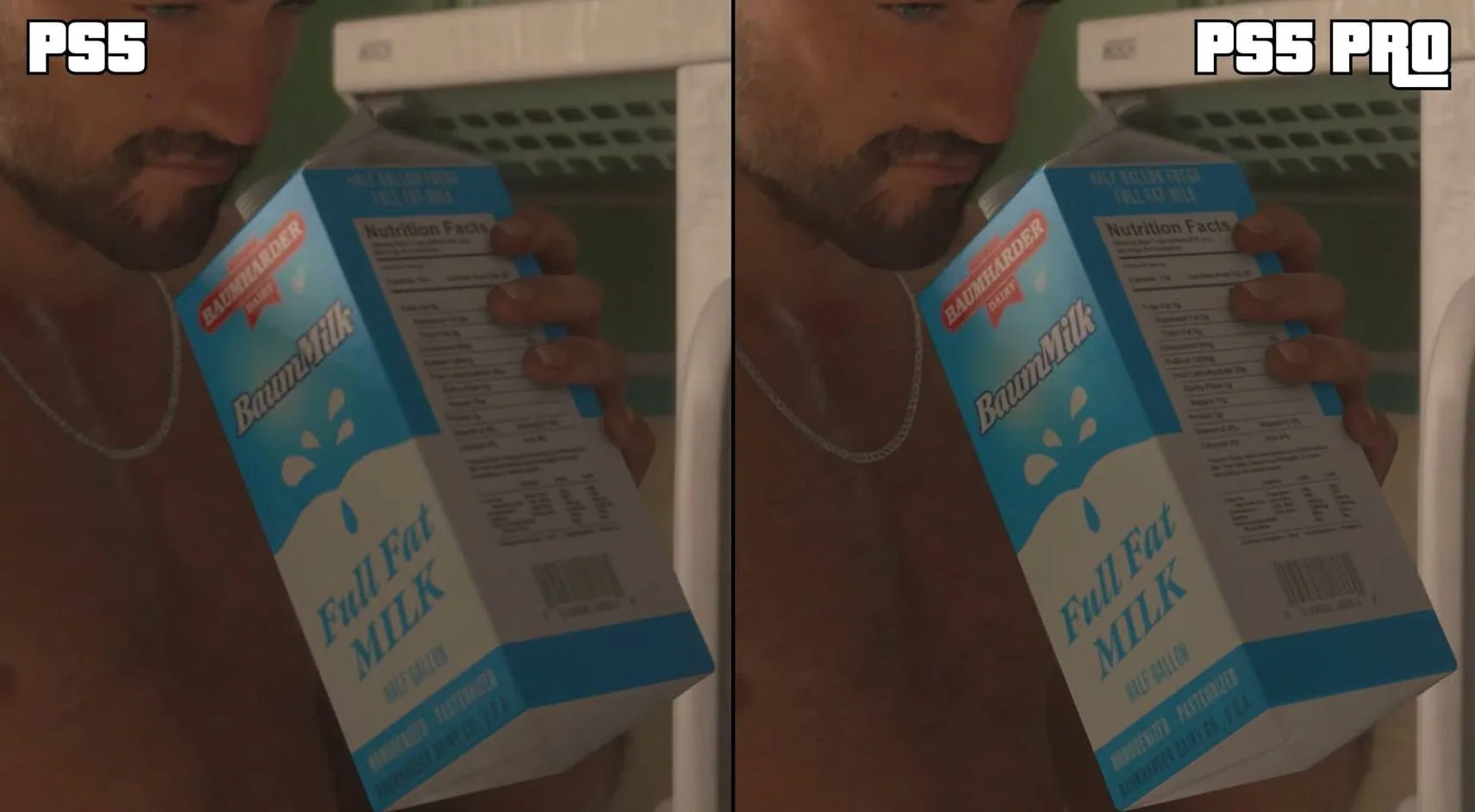
On November 18, Digital Foundry published its first comparison of GTA 6 on PS5 and PS5 Pro. Vice City gives you a better test than a still frame. Take a corner, turn the camera and look at the distant buildings. In the first Digital Foundry technical review, the PS5 and PS5 Pro versions start at around 1440p, but PSSR gives the Pro a cleaner picture in motion. Rockstar also gives the Pro its own ray-traced shadows. The console graphics comparison brings the measurements for all four consoles together.
What the captures show
| Console | Finding |
|---|---|
| PS5 / PS5 Pro | About 1440p on both. Pro adds PSSR and ray-traced shadows. |
| Xbox Series X | Series X delivers the sharper image and generally stays closer to 30 FPS in the scenes tested. |
| Xbox Series S | 720p internal, upscaled to 1080p with FSR 4. More frequent frame-rate drops under load. |
In the November 18 Xbox test, Digital Foundry saw Series S spend time in the mid-20s during driving and combat. In one explosive shootout, Kotaku picked out a brief 18–19 FPS stretch of the Digital Foundry footage. How GTA 6 looks and runs on Series S.
The two systems come closer when everything starts blowing up. The Pro sticks to 30 FPS more often during ordinary travel, but intense destruction can push both versions below their target. If the comparison you saw was on a livestream, compression can also change how clouds and small details look.
GTA 6 graphics modes guide · first impressions of GTA 6
What you can tell from a stream
A clean comparison starts with two cameras looking at the same scene. Pause on a sign or a row of windows to compare sharpness, then let the clip play to see how those edges hold up. A single screenshot can show the quality of a shadow, but it won’t show whether the shadow flickers or an object leaves a trail between frames. Indirect light, reflections and shadows can also behave differently in the same scene. Our graphics technology guide explains the role of each effect.
During a turn, faint grain in a reflection and a trail behind a moving object are two different things. The trail is often called ghosting. Both are easier to see in direct captures, especially when a live feed has little bandwidth to preserve the low-contrast gradients of a cloud. A blurred patch in the sky can come from the game, the stream or both. Watch the same shot at the same quality before drawing conclusions about how a console renders clouds.
The frame-rate comparison has its own limits. A steady 30 FPS gives you a new rendered frame about every 33 milliseconds. A stream can be delivered at 60 FPS, and a broadcaster can even add interpolated frames, while the game still renders at 30. To judge whether a console missed its target, look for the frame-rate trace on the original capture instead of counting the frames on a stream. If you are tuning the feel of camera movement, the controls guide covers the settings separately.
This article will be updated with side-by-side screenshots of the same scene on PS5 and PS5 Pro. Captures from the same scene can show detail and shadows. Frame-time measurements are needed to judge how evenly frames arrive.
FAQ
Why does PS5 Pro look sharper at the same internal resolution?
Digital Foundry estimates around 1440p internally in the scenes tested. PSSR reconstructs the 4K image.
Does the PS5 Pro keep a steady 30 FPS?
It holds the target more consistently than the standard PS5 in the review. Heavy destruction can still pull both below 30 FPS.
Does a 60 FPS livestream mean GTA 6 is running at 60 FPS?
The broadcast can repeat or interpolate frames independently of the game, which targets 30 FPS on consoles.