 By
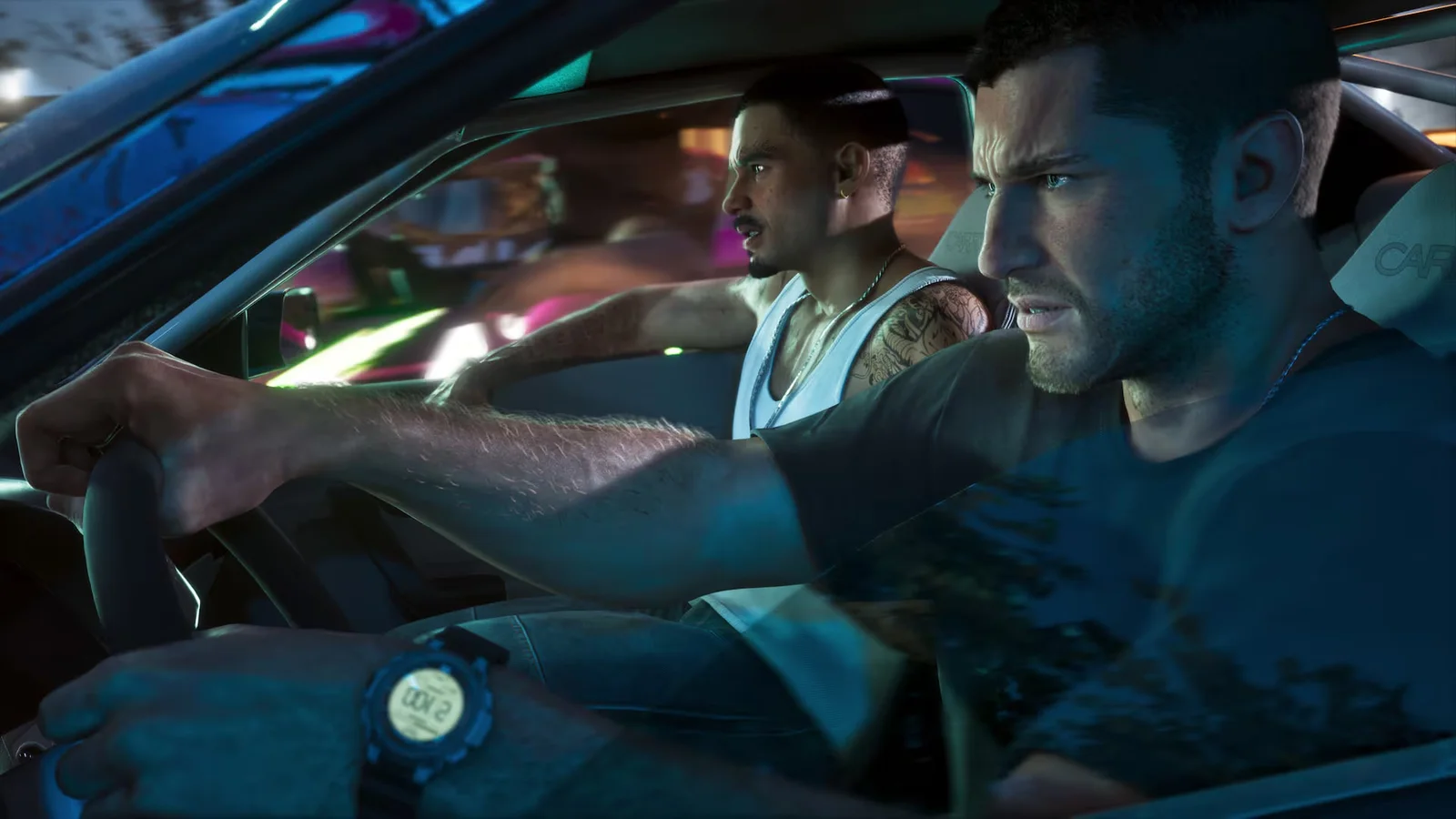
A GTA 6 camera glitch keeps the view in first person after you put the in-game phone away. Players demonstrated the method at launch, and PC Gamer reproduced it. Behind the wheel you can see the dashboard, then get out and keep looking through the character’s eyes. The standard first-person look-around control works while you stand still on foot.
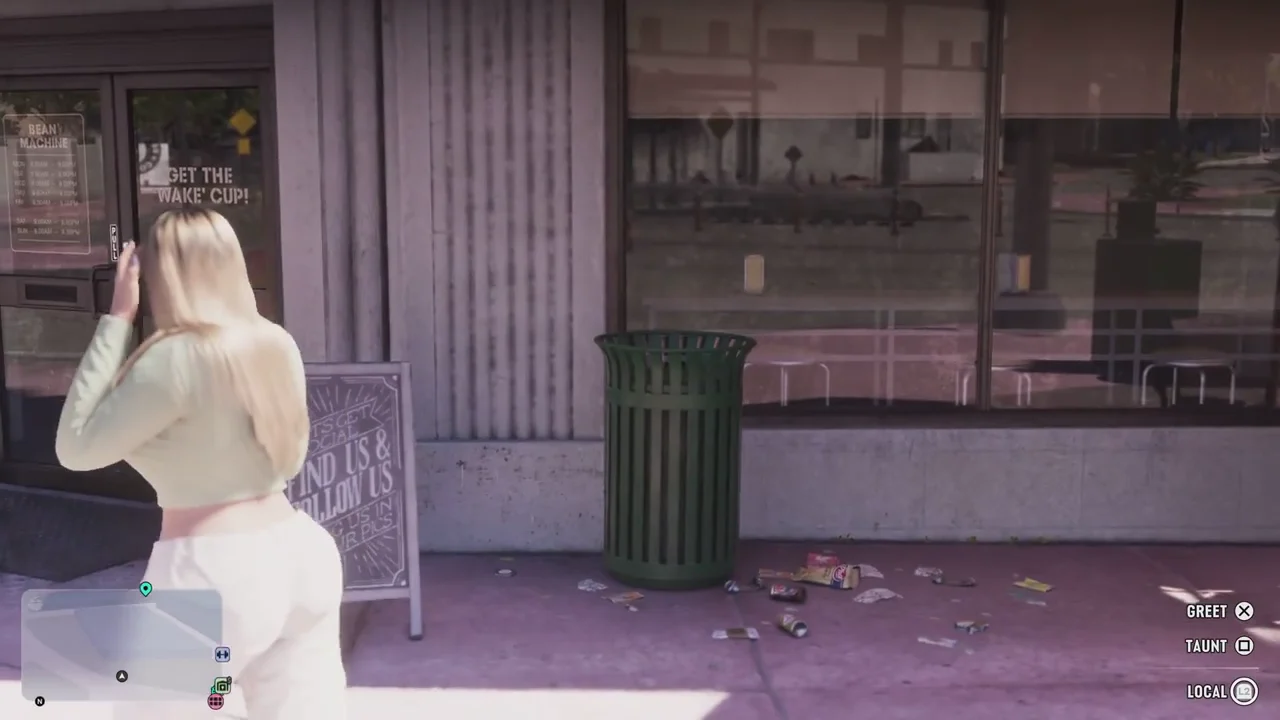
How to try the glitch on PS5 and Xbox
Open the controller settings. Find the assignment that opens the map and switch it to the camera. The PC Gamer test shows the camera option as Camera 2 / 2. Then get into the driver’s seat and follow this sequence.
| Action | PS5 | Xbox Series X / S |
|---|---|---|
| Open the in-game phone | D-pad up | D-pad up |
| Put the phone away | Circle | B |
| Immediately tap the camera control repeatedly | Touch pad | View |
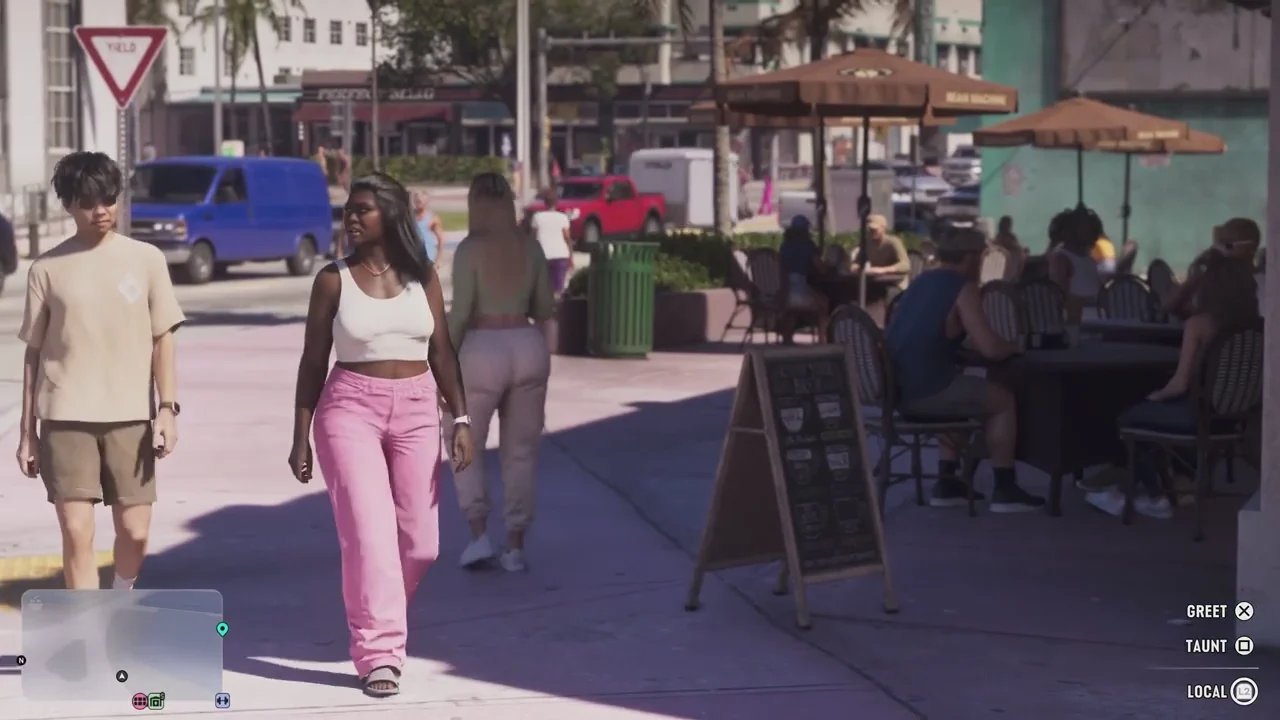
If the camera pulls back, open the phone again and start tapping the camera control as the phone goes down. The clip by oneboyler demonstrates the timing. The player’s button guide shows the two controller layouts.
How to get the normal camera back
Reload a save to return to the standard camera. You can reload the save you are currently playing. In PC Gamer’s test, some animations clip into the camera, especially when the character raises a long gun. For a quick look at the street without the glitch, stand still with your weapon holstered and use the look-around prompt.
FAQ
Can you walk in first person in GTA 6?
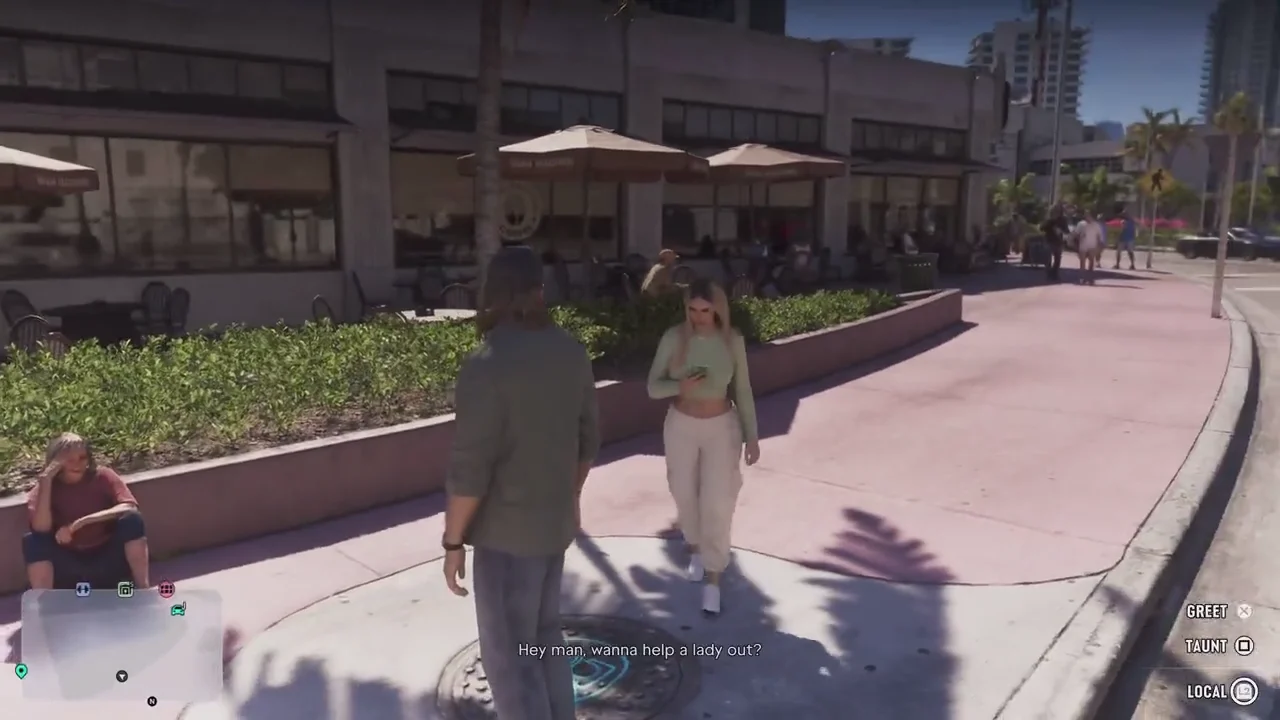
The launch glitch can leave the camera in first person when you exit the car and walk away. The standard look-around view ends when you move.
Which button is View on Xbox?
It is the small button to the left of the Xbox logo, marked with two overlapping rectangles.
How do you turn off the first-person glitch in GTA 6?
Reload a save. The standard camera returns when the game loads.
Sources: PC Gamer’s hands-on test and oneboyler’s gameplay demonstration. The screenshots show the standard camera views.