Lucia’s wardrobe glitch in GTA 6: how to remove her top
← Leonida Hub By Alex · Last updated:
18+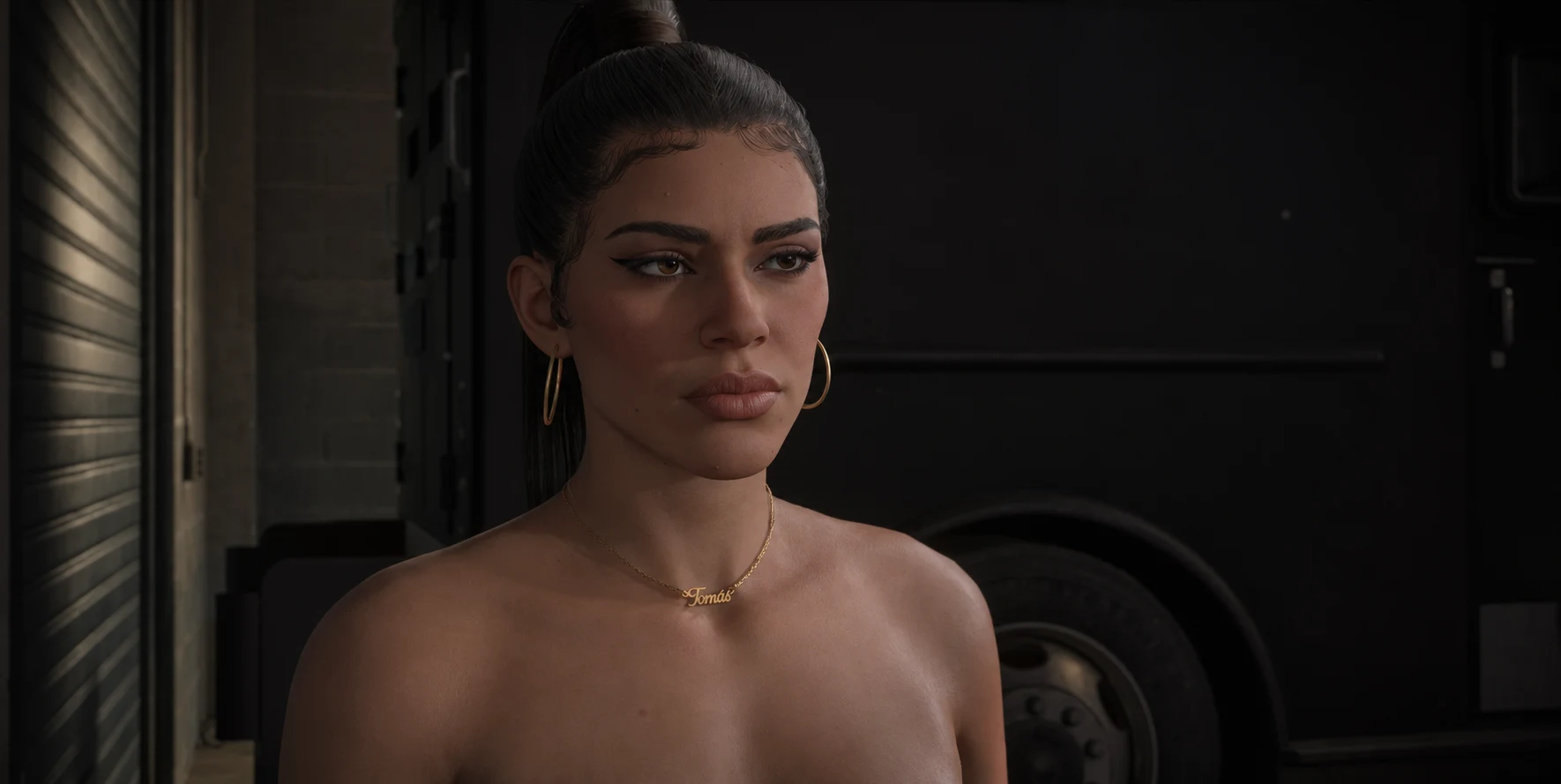
StatusConfirmed
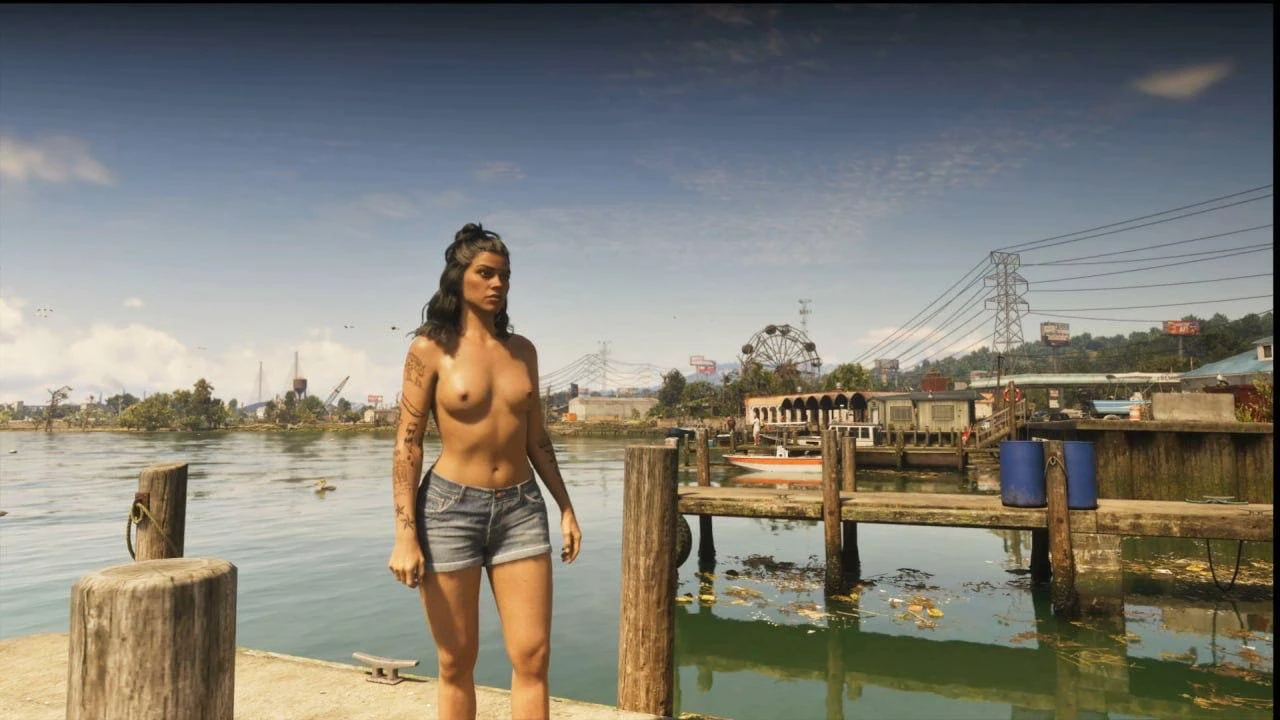
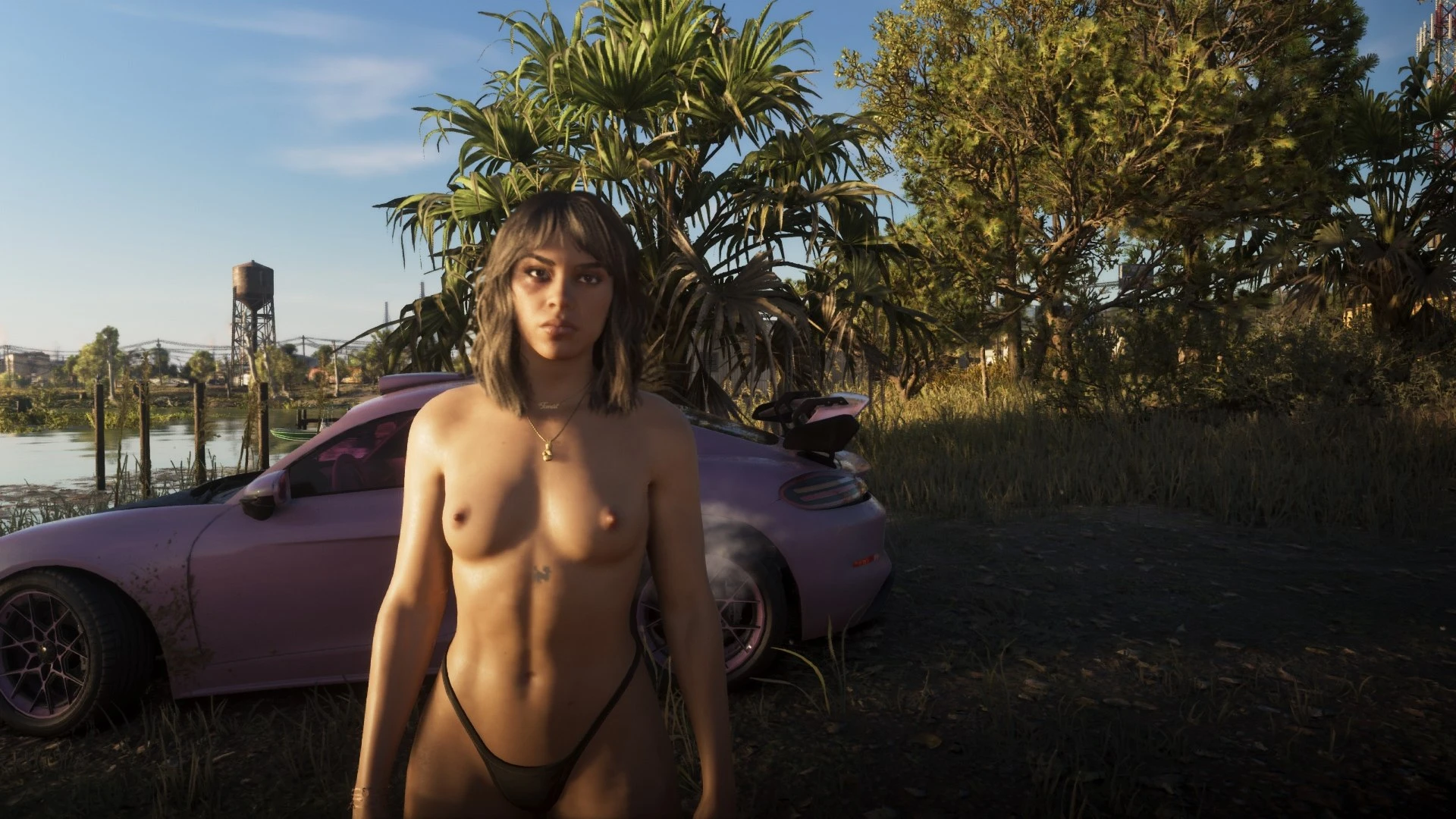
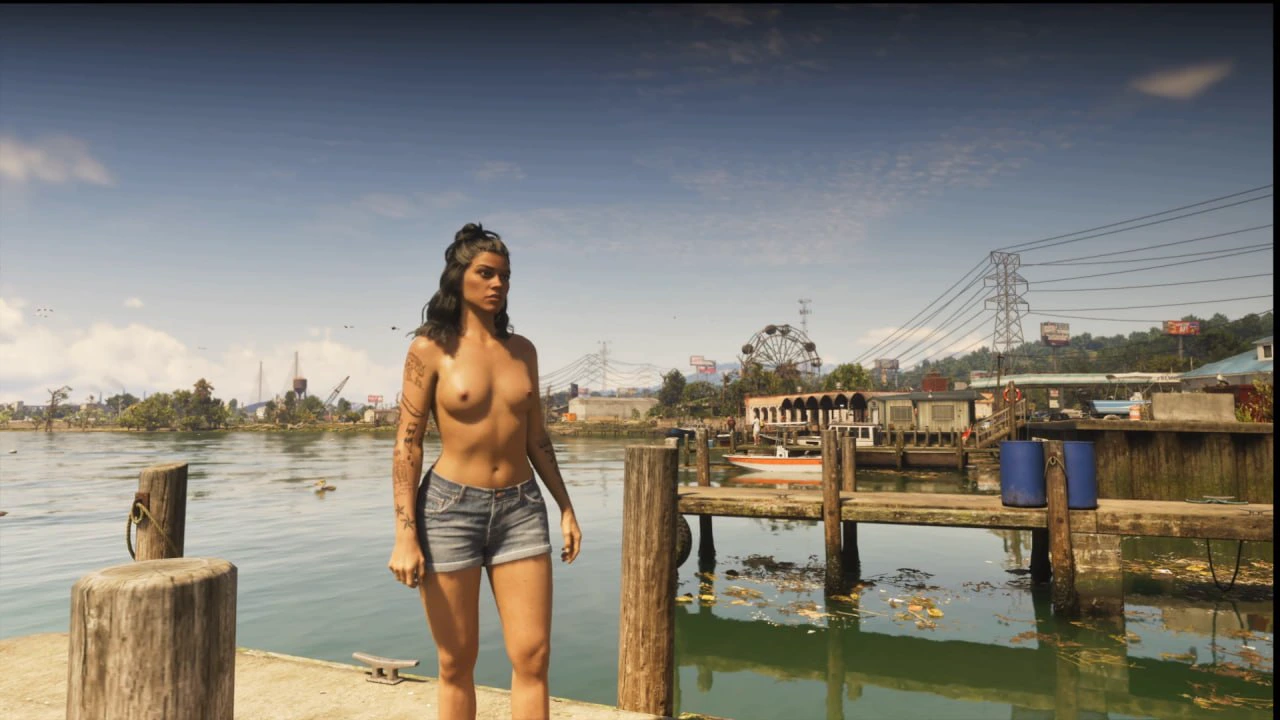
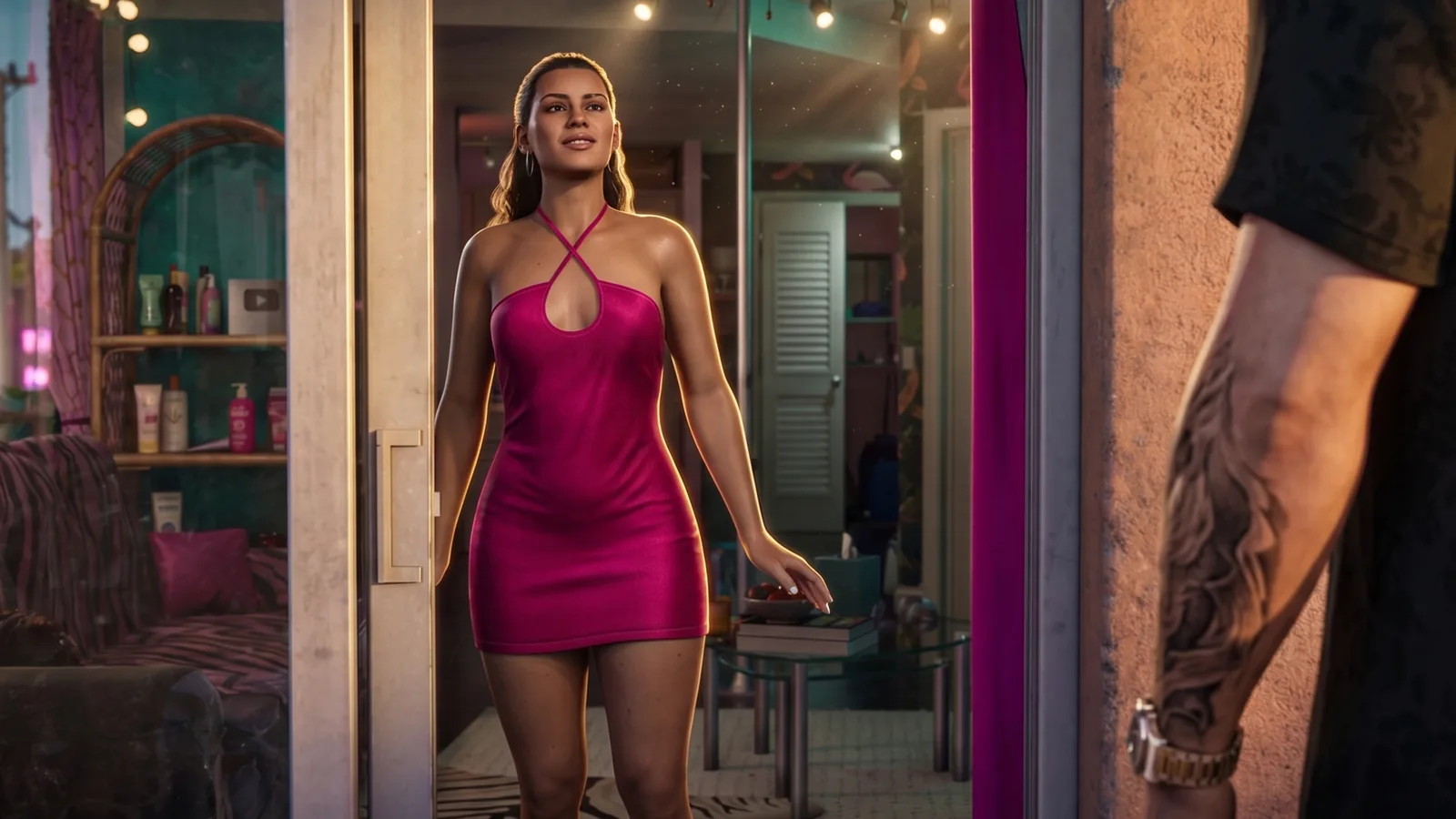
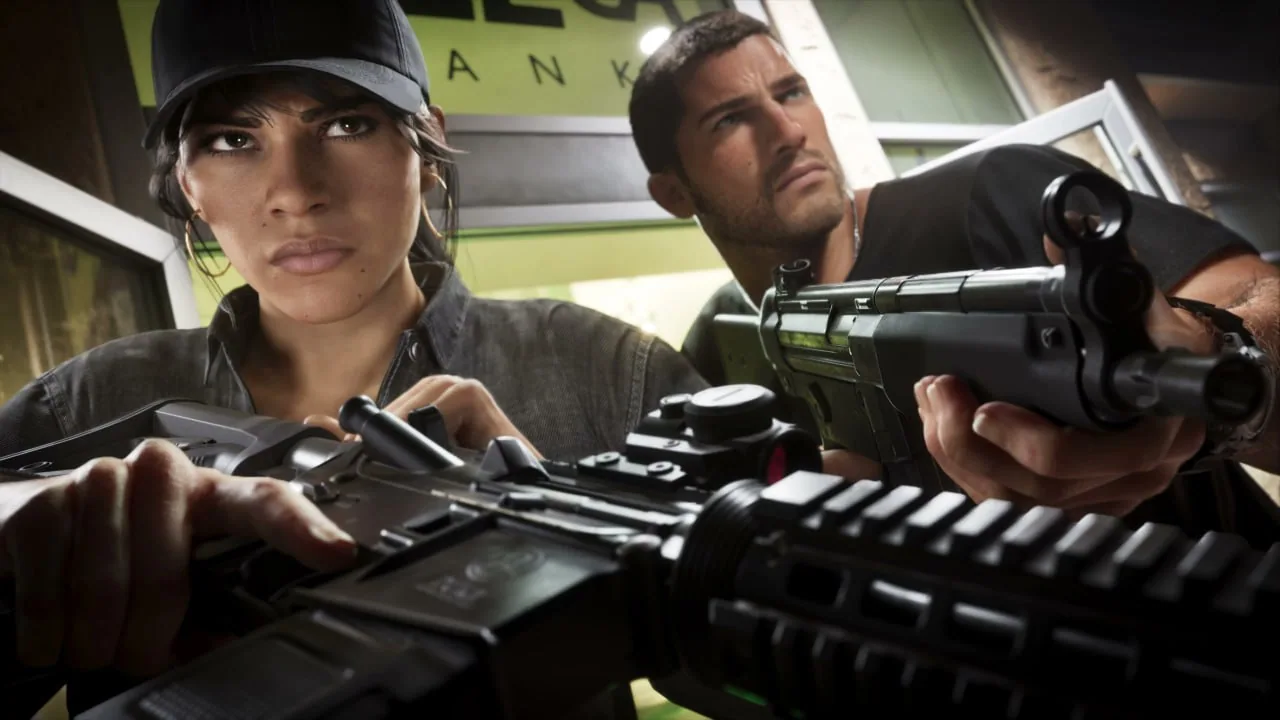
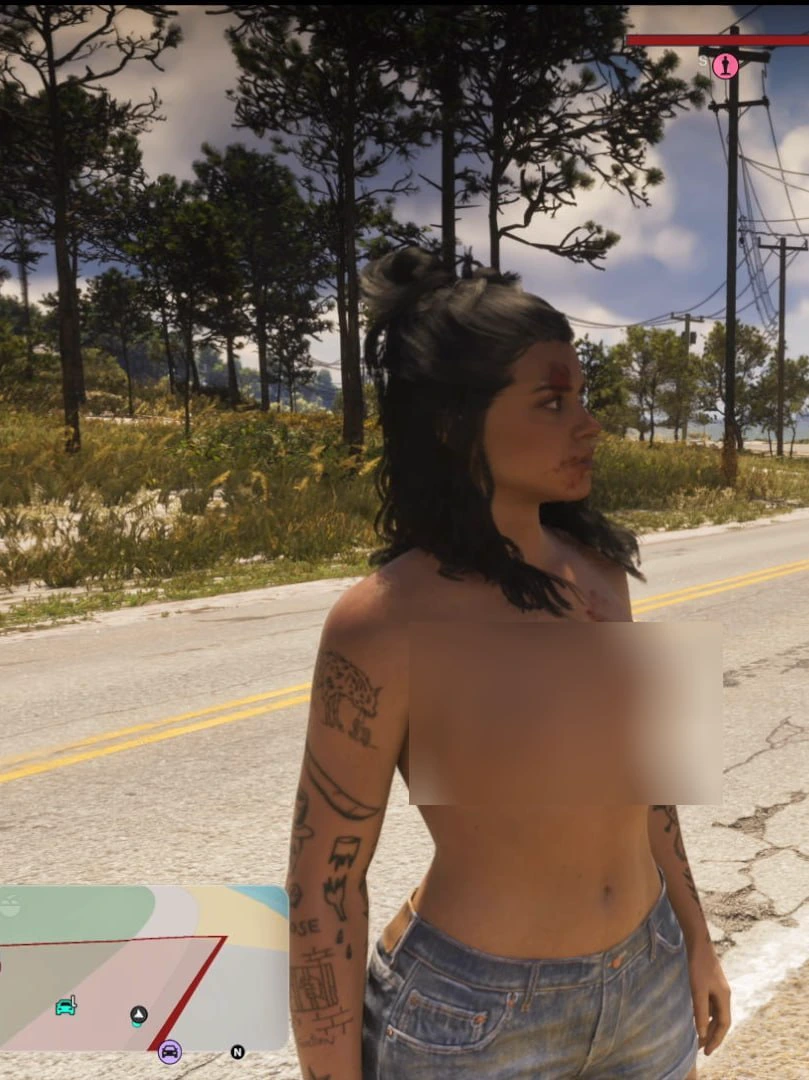
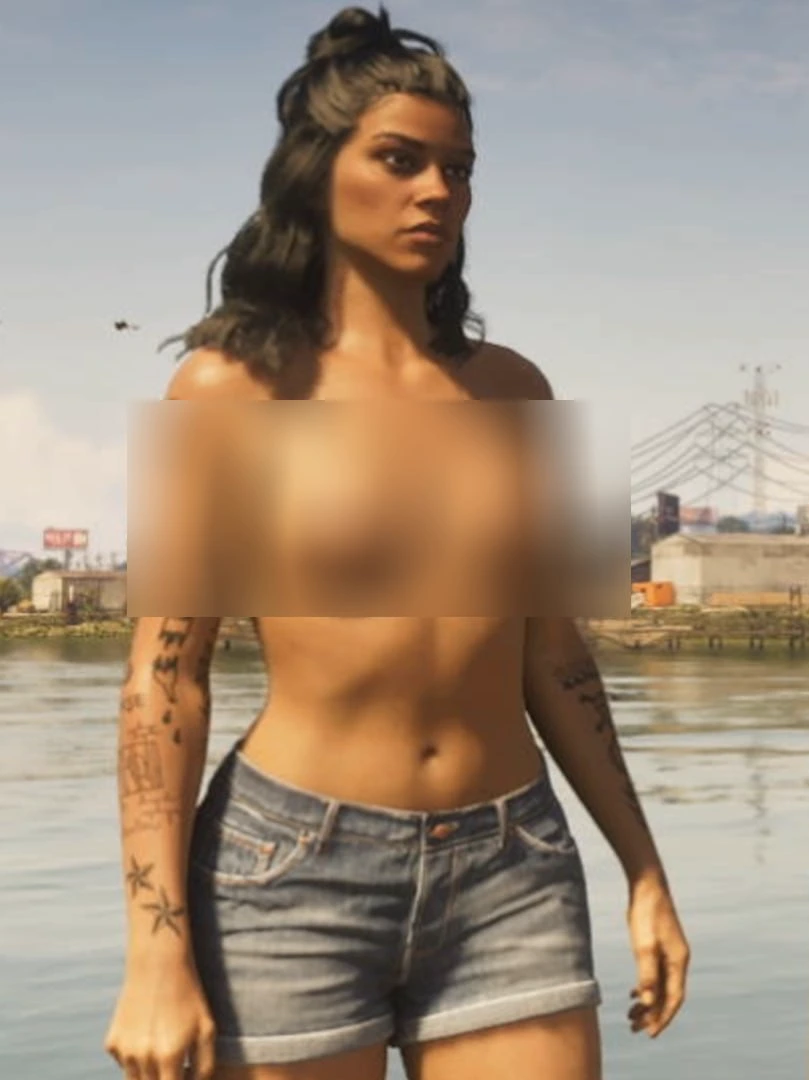
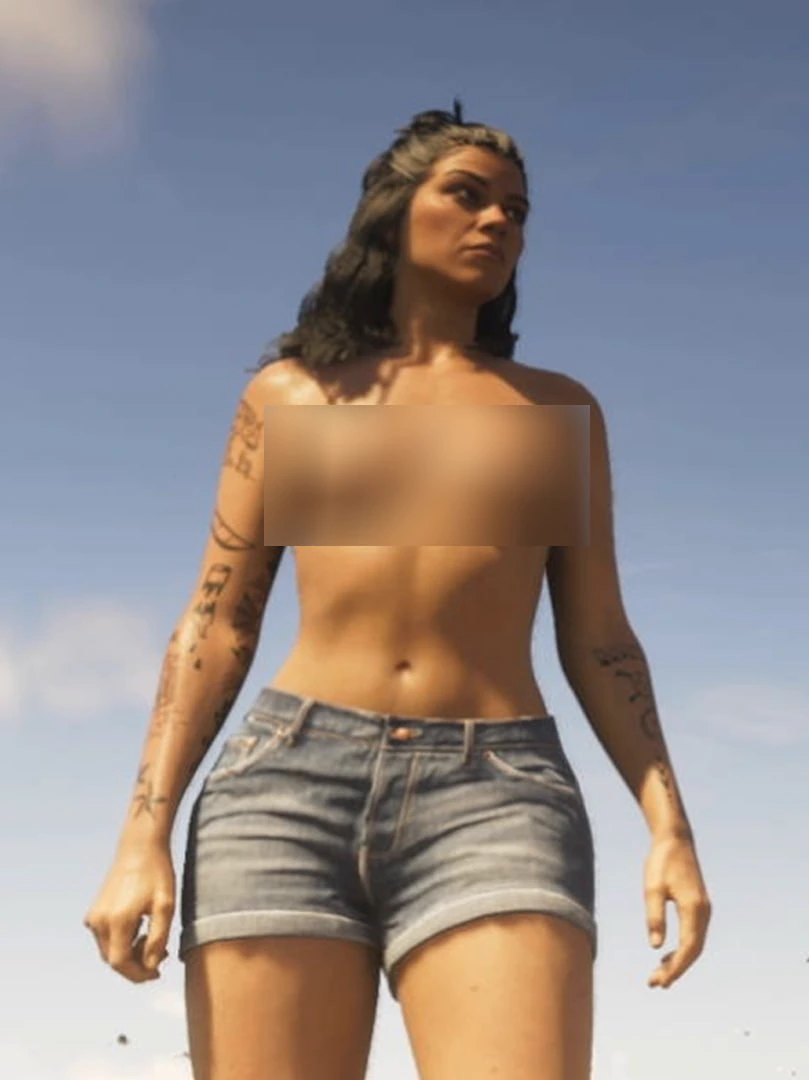
A wardrobe glitch in GTA 6 can leave Lucia without a top. The sequence in the gameplay recording uses two stored outfits, body armor and the fitting-room menu at Bargain World in Port Gellhorn. The censored stills below show the result. See our guide to nudity in GTA 6 for the other scenes.
Set up two outfits at Bargain World
- Bring Lucia’s personal vehicle, body armor and an in-game grenade or sticky bomb. Park by Bargain World in Port Gellhorn and go to the fitting rooms.
- Clear out the saved outfits and the outfits stored in the car’s trunk. Save what Lucia is currently wearing as Outfit 1, and make it available from the trunk.
- Buy and equip a denim jacket, then buy a T-shirt. Toggle the jacket display in the clothing menu and remove the T-shirt. The jacket should now appear closed.
- Save the closed-jacket look as Outfit 2 and transfer it to the trunk.
Apply the body armor and switch outfits
- At the car, put on Outfit 1 and equip body armor.
- From the car’s outfit menu, switch to Outfit 2. The jacket disappears and the body armor stays on, with no shirt underneath.
Get the third outfit to appear
- Return to the fitting room and highlight Outfit 2 in Saved Outfits. Tap Square (□) repeatedly on PS5 or X on Xbox to alternate between equipping and unequipping it.
- As you switch, press Down on the D-pad. When Outfit 3 appears below Outfit 2, leave that third outfit unequipped and exit the menu.
- Outside the shop, use the in-game grenade or sticky bomb to remove the body armor. In the recording, Lucia’s top does not come back after the blast.
The recording and uncensored screenshots
18+ · Show the original video and screenshots