GTA 6 melee controls: how to punch, block and grapple on PS5 and Xbox
← Leonida Hub By Alex · Last updated:
StatusConfirmed
To lock on to an opponent in an unarmed fight, hold L2 on PS5 or LT on Xbox. Punch or kick with Square (□) on PS5 or X on Xbox. To block or dodge, use Cross (×) on PS5 or A on Xbox.
Melee buttons at a glance
| Action (default layout) | PS5 | Xbox Series X and S |
|---|---|---|
| Move sideways while locked on | Hold L2 and move the left stick | Hold LT and move the left stick |
| Punch or kick | □ | X |
| Block or dodge | × | A |
| Grapple | R2 | RT |
Blocking and dodging share a button. In an unarmed fight, the right trigger (R2 on PS5 or RT on Xbox) grabs your opponent. If you’ve changed the layout, check the Melee controls in your settings. GTABase’s PS5 and Xbox controls guide
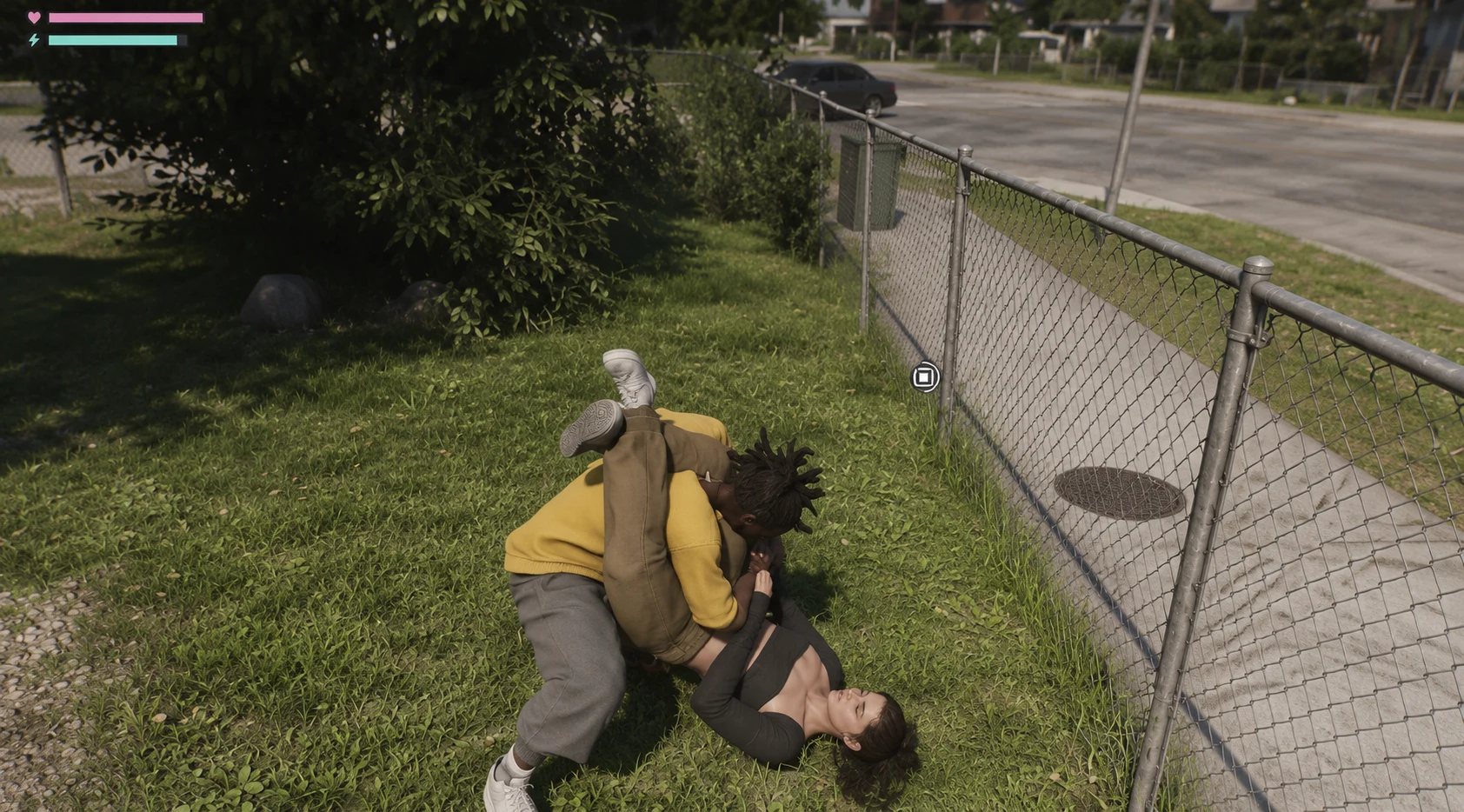
Lucia’s Black Widow-style takedown
- In a fistfight, press R2 to grab your opponent.
- Hold the left stick and press □ (Square) once.
What a fight looks like and where to train
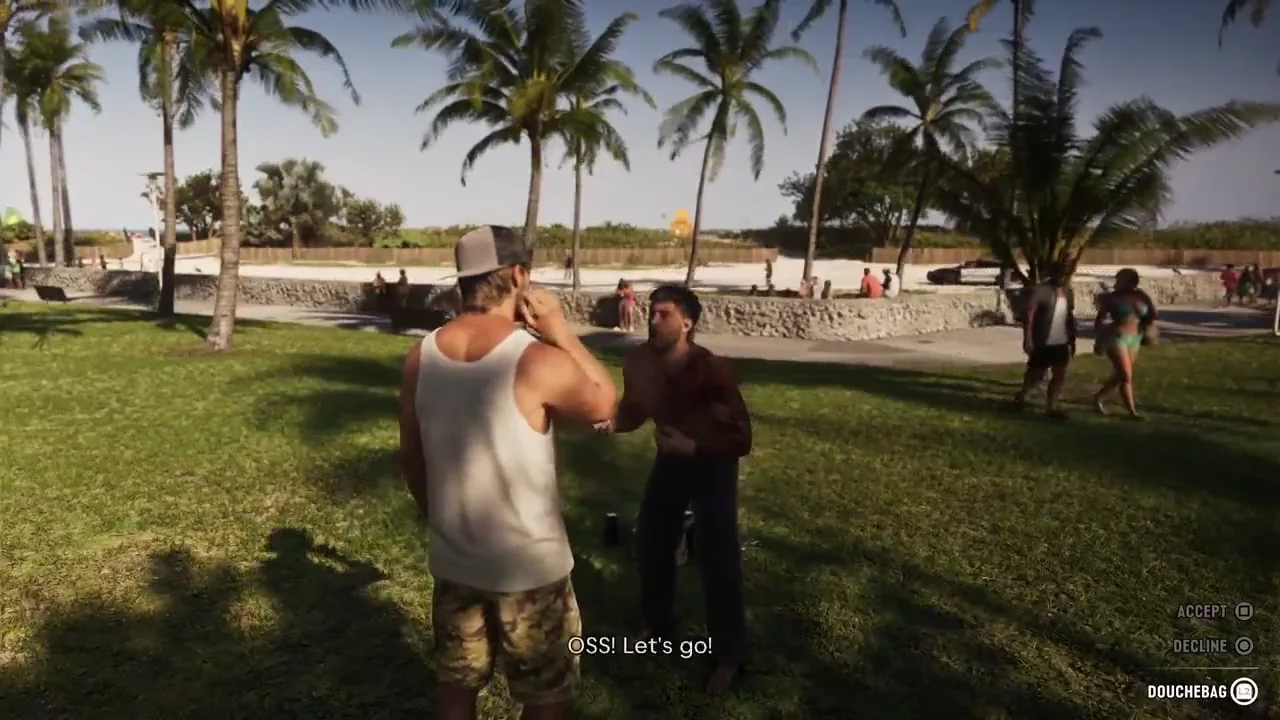
The beachside sparring clip in our combat guide shows how the fighters move and keep their distance.
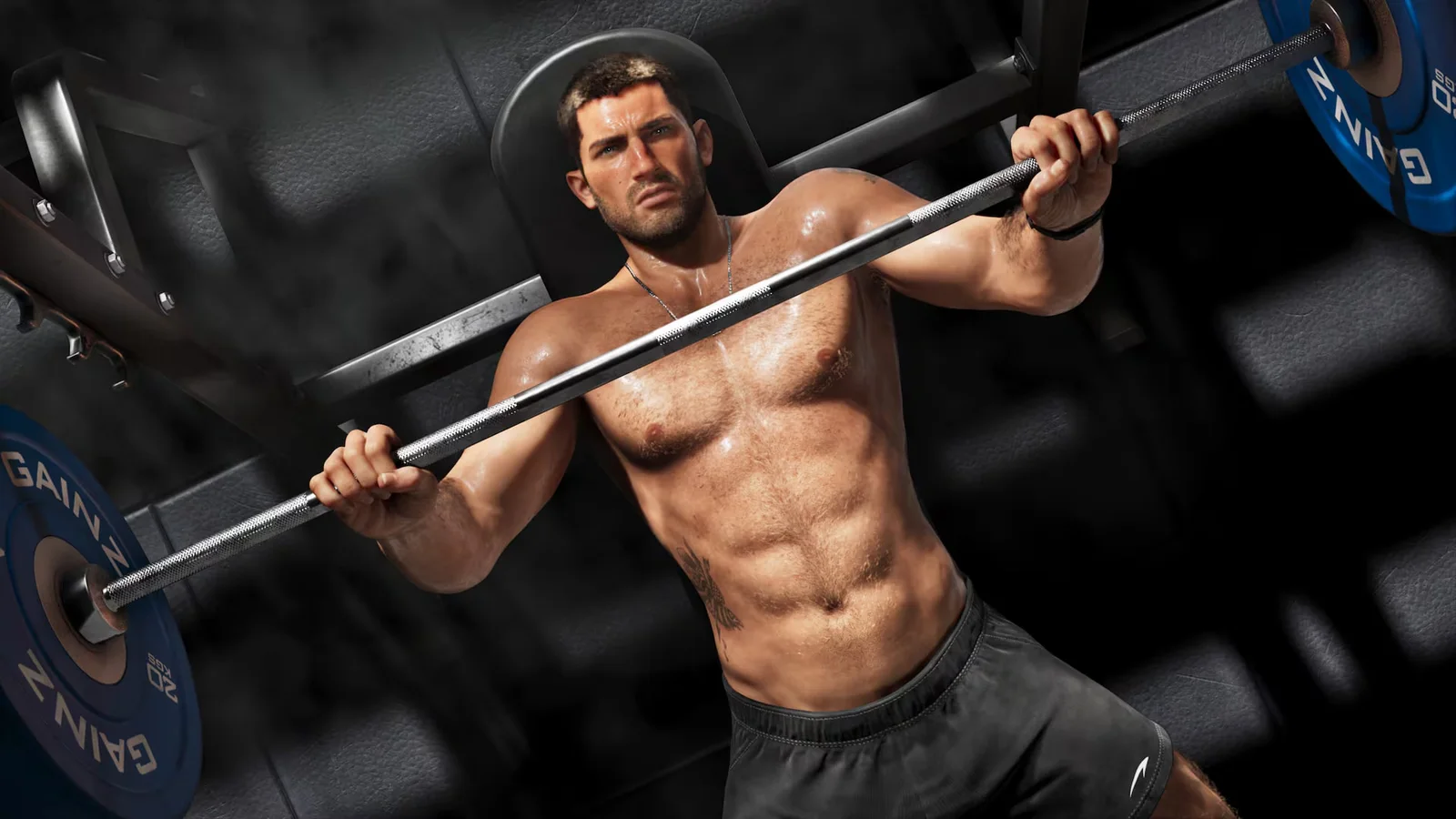
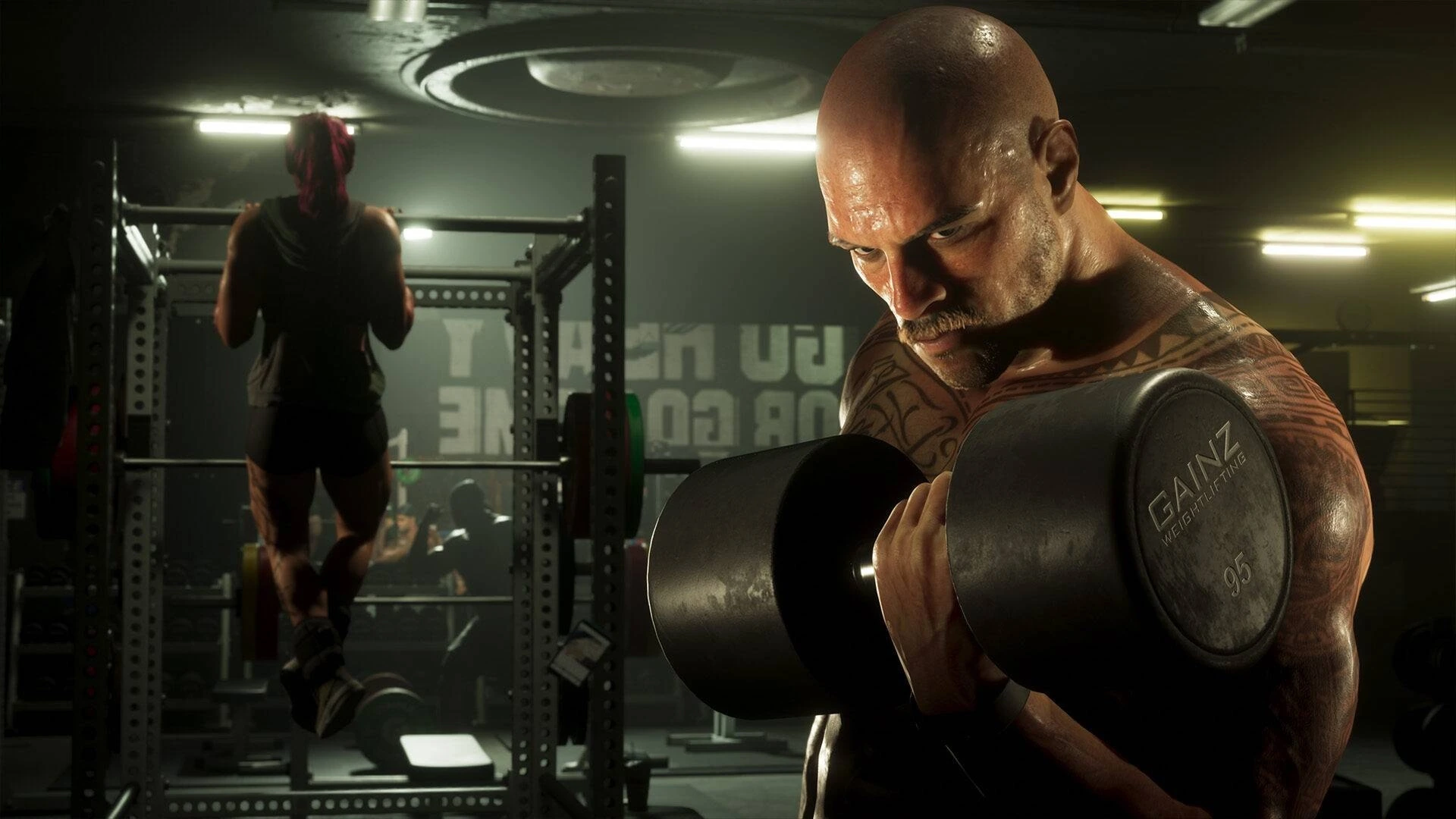
To start training early on, head to Jason’s house in Key Lento. Take the punching bag out of the shed and hang it under the deck. Build strength by lifting weights to increase your maximum health. Our gyms and training guide shows where to find the equipment and how to check your progress.